
Keep the Judgement for People
Early in my career, business readiness work was almost entirely manual. Readiness checklists lived in spreadsheets. Issues were tracked in spreadsheets. Status meant chasing ten people for updates, pasting the answers into a deck and hoping nothing had changed by the time it was read.
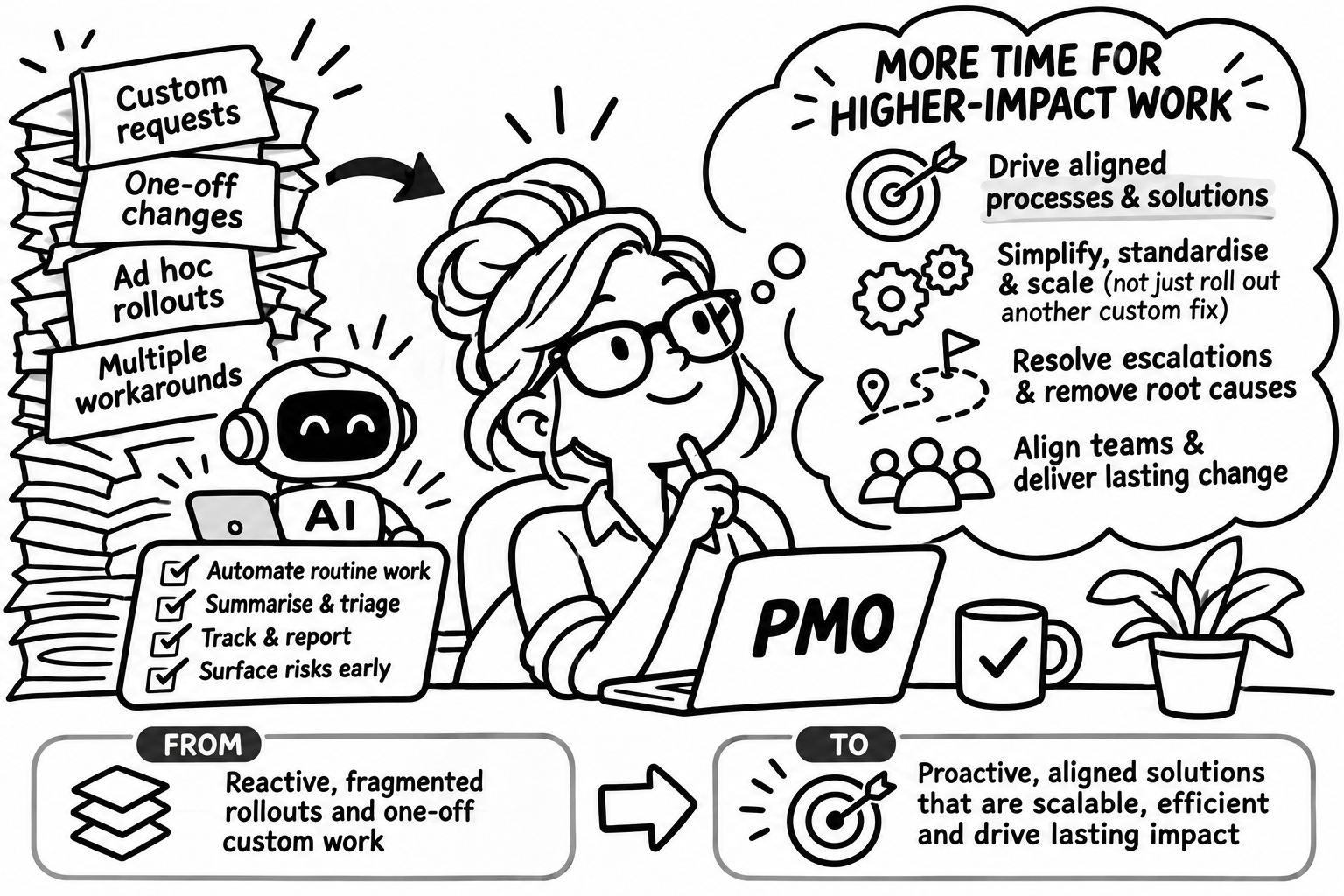
None of that was hard work. All of it was time-consuming, and all of it took the project manager away from the things only a project manager can do. AI in project management is now changing that.
What Is the Admin Layer in Project Management?
Every project has an admin layer: meeting notes, actions, follow-ups, document reviews, executive updates and status reporting. It is easy to skip when things get busy, and when it slips, everything downstream slips with it. It is also where AI is most useful today.
How AI Helps With Project Management Admin
AI Meeting Notes and Action Items
An AI note taker captures the meeting, and an AI assistant turns it into decisions, risks and actions with owners and dates. Where an action has no owner, that gets flagged instead of silently dropped.
Automated Follow-Ups
Reminders, recaps and chasers get drafted automatically, so they actually go out.
AI Document Review for Project Plans and Contracts
Plans, business cases, contracts and requirements documents can be checked for gaps, contradictions and undefined terms before a human reviewer spends time on them.
AI-Generated Updates
With clean inputs, a first draft of the update (status, risks, decisions needed, what changed) can take seconds. Careful review and editing means that something is produced makes sense. It also means the ability to generate different updates to different audiences as needed - exec updates might look different to stakeholders who are first line managers, etc.
Self-Serve Project Updates
When updates are generated from the project’s own source material and kept current, stakeholders can find out where things stand without pulling the project manager off their work.
Connecting Project Management Tools With AI
The real change is not any one feature. Project management tools like Asana and Monday now have useful automation built in. Meeting notes tools like Granola capture conversations. The missing step used to be something connecting them: an AI assistant (in my case Claude) acting as the orchestrator. It takes the output of a meeting, updates the tasks and issue log, drafts the stakeholder update and flags what needs a human decision.
Compare that with the spreadsheet era. Nobody copies information from one place to another. It moves on its own, and the project manager reviews it instead of assembling it.
What Stays With People: Prioritisation, Escalation and Stakeholders
Prioritisation, escalation and stakeholder management are where projects are won or lost. They depend on context, relationships and accountability. AI can prepare the ground by summarising trade-offs, drafting the escalation and showing who has gone quiet. It cannot own the decision or the relationship, and it should not.
Risks of Using AI in Project Management
Thin source notes produce confident but thin summaries.
Unreviewed updates sent to executives or clients. Someone must own accuracy.
Confidentiality. Know where your recordings and documents are processed and stored before rollout.
Unclear permissions. Connected tools can change things nobody expected.
How to Start Using AI in Project Management
Pick one recurring meeting and one recurring update. Automate the notes, actions and first draft. Review everything for a month, record what it gets wrong and adjust.
FAQ: AI in Project Management
Can AI replace a project manager?
No. AI handles the admin layer. People keep prioritisation, escalation and stakeholder management.
What can AI automate in project management?
Meeting notes, action items, follow-ups, document review, status reports and executive updates.
Is it safe to use AI with confidential project information?
It depends on the tool and how it is configured. Check where data is processed and stored before rollout.